Lenovo ThinkPad X13 Yoga Gen 3 Laptop Detailed Photos & Features
The Lenovo ThinkPad X13 Yoga Gen 3 is a premium touchscreen business-class 2-in-1 laptop. This laptop cover body is made of carbon fiber and magnesium. This laptop is designed for office work, studies, business, programming, online meetings, and everyday computing. Thanks to its 360-degree hinge, this laptop can be used in standard Laptop Mode, Tablet Mode, Tent Mode, and Stand Mode.
Detailed Photos
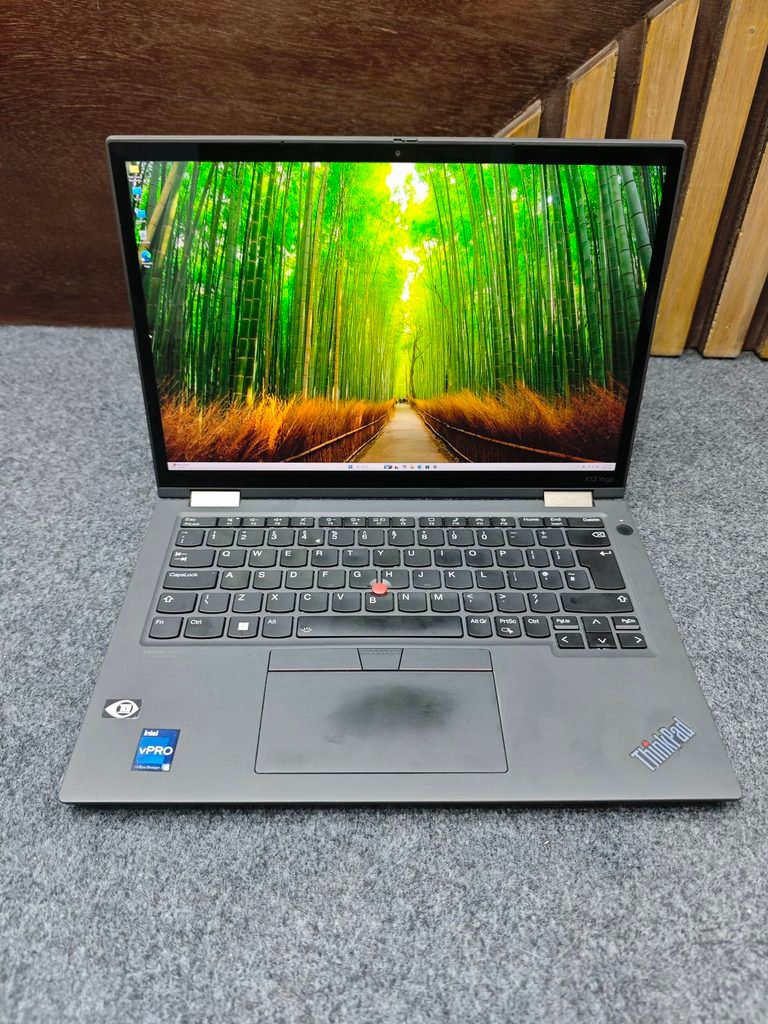
Touch Screen Laptop With Pen Photos
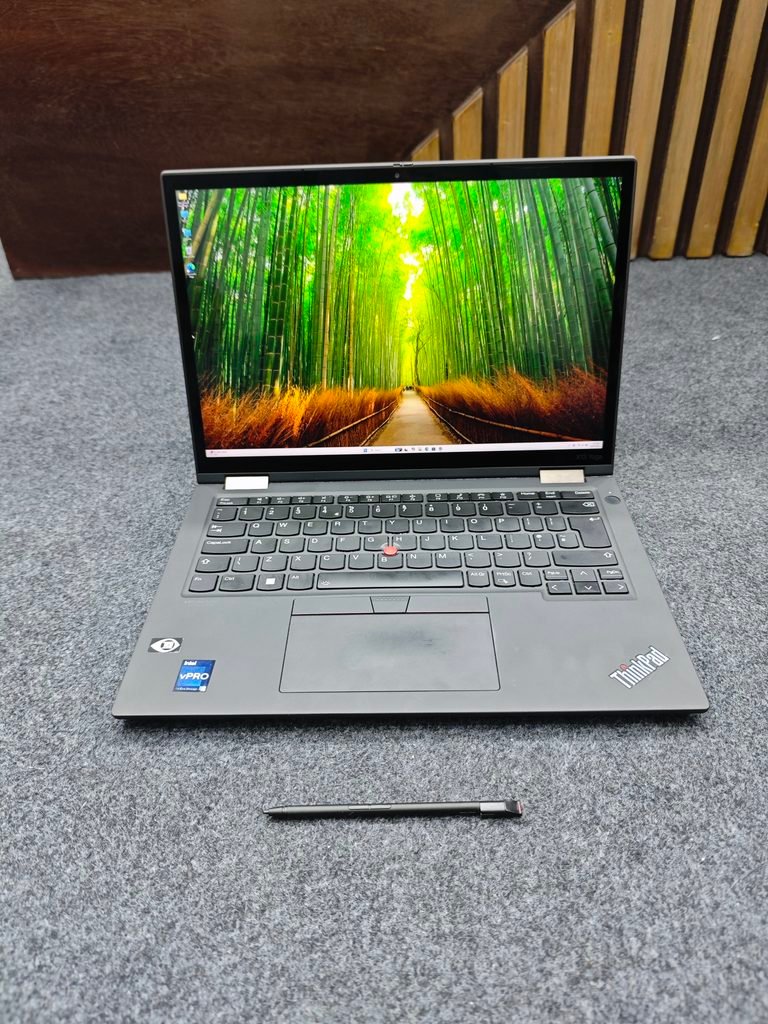
Touch Screen Pen View
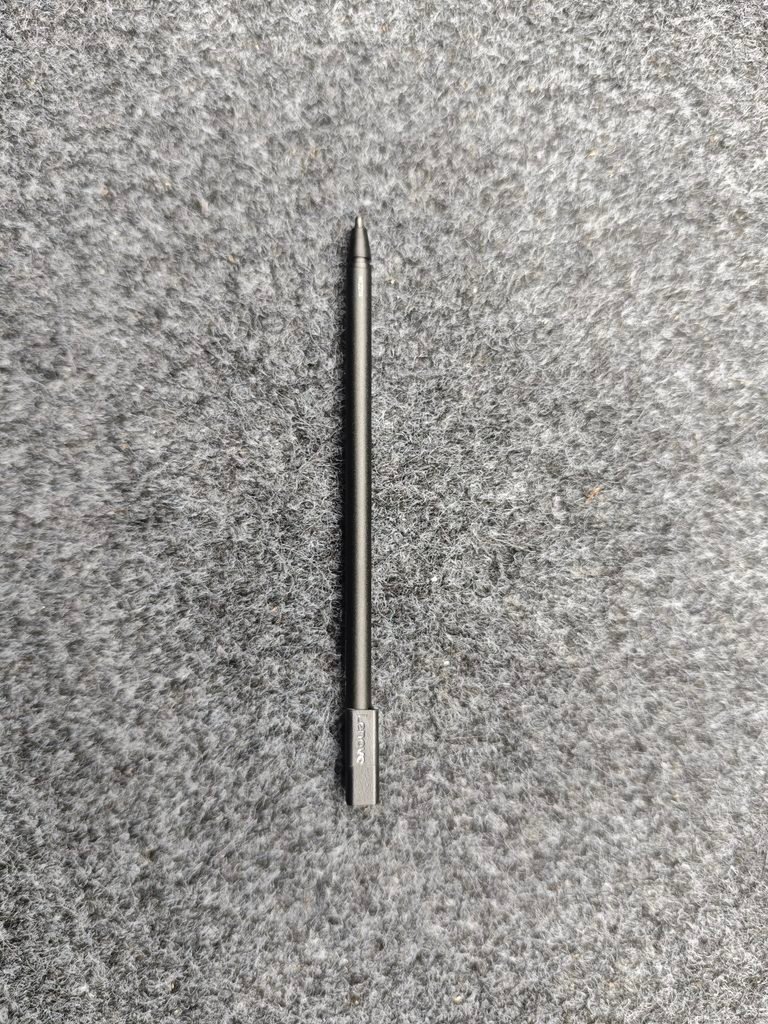
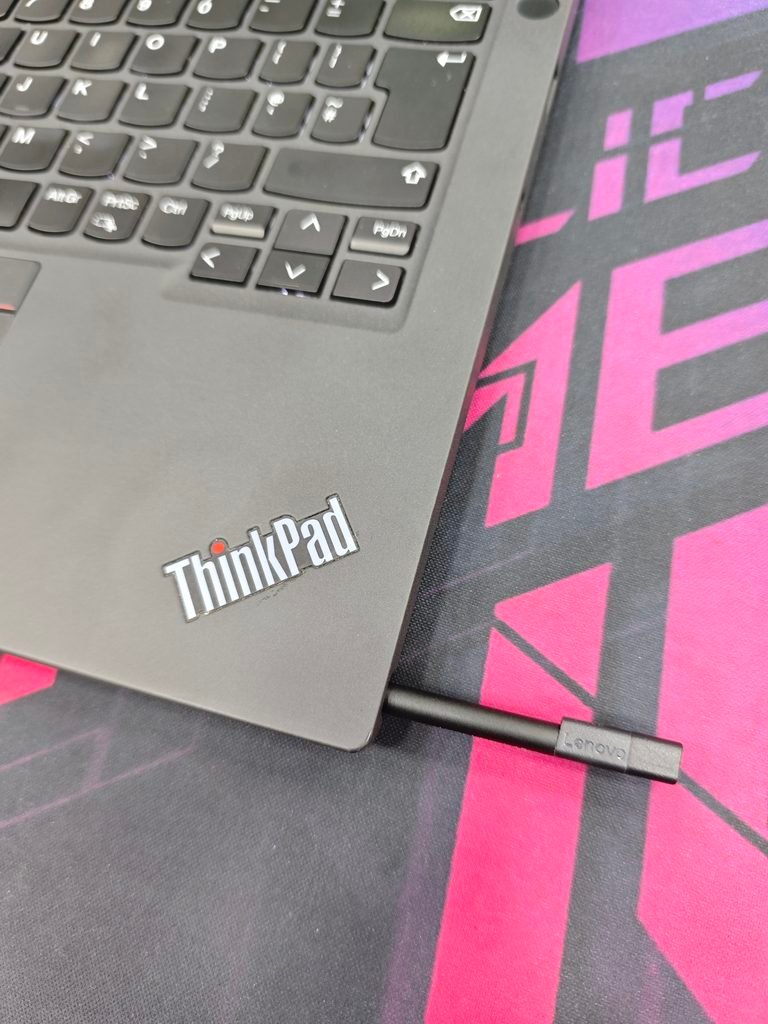
Inside Pen Area
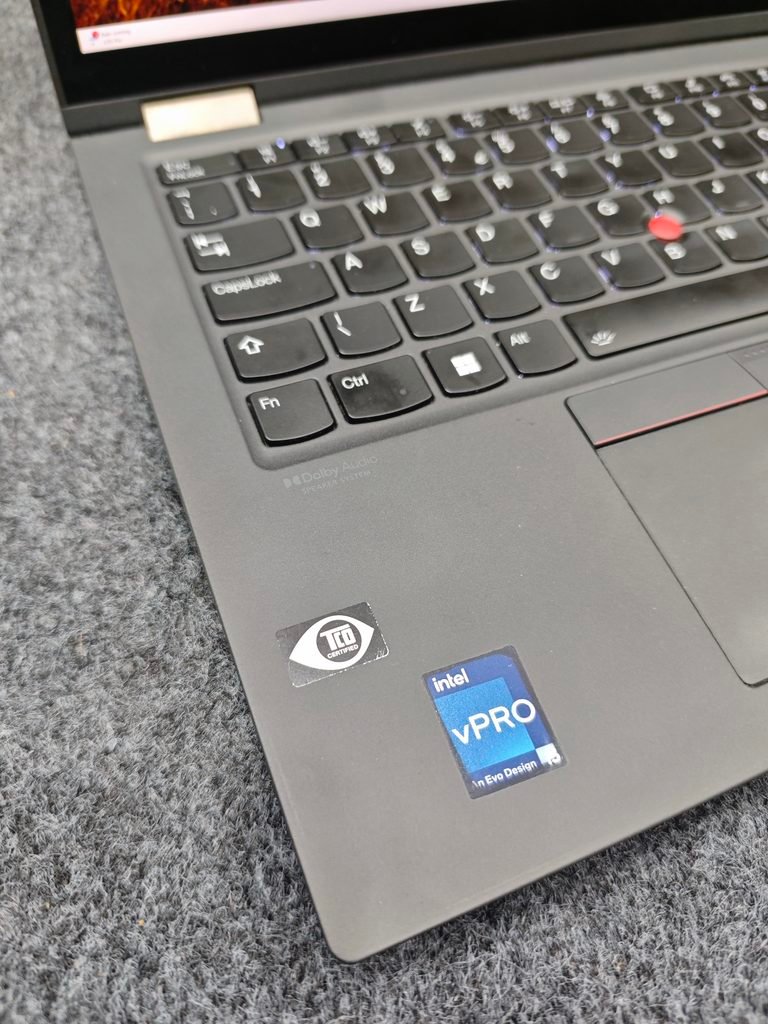
Intel vPRO Sticker
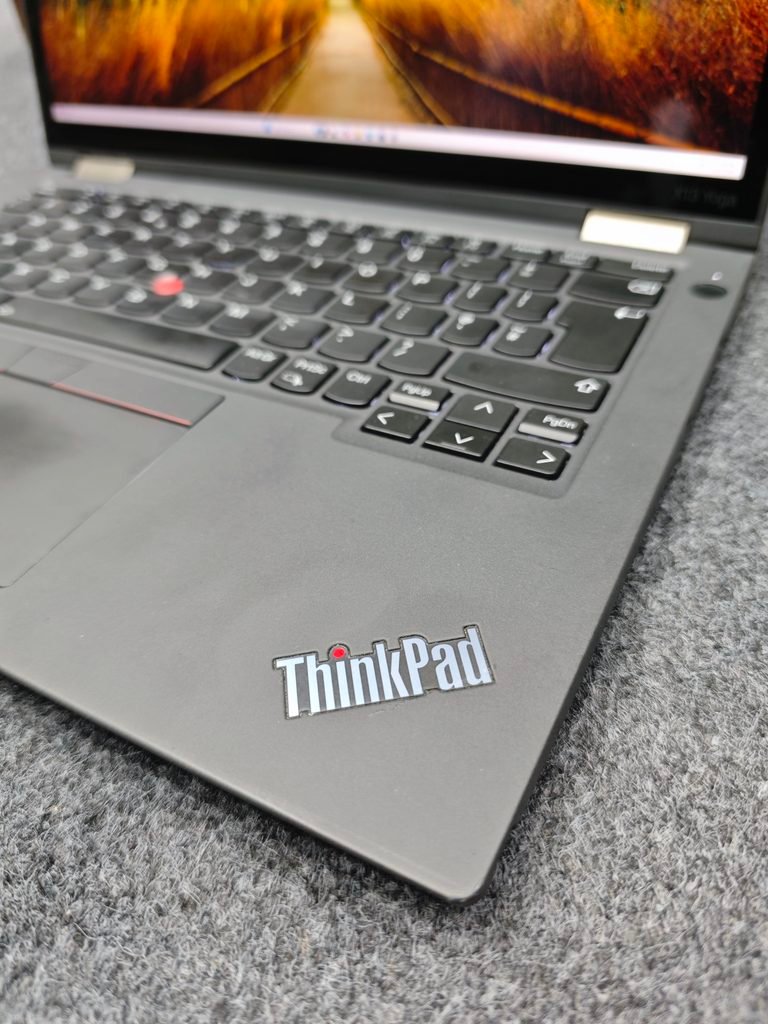
Laptop ThinkPad Logo
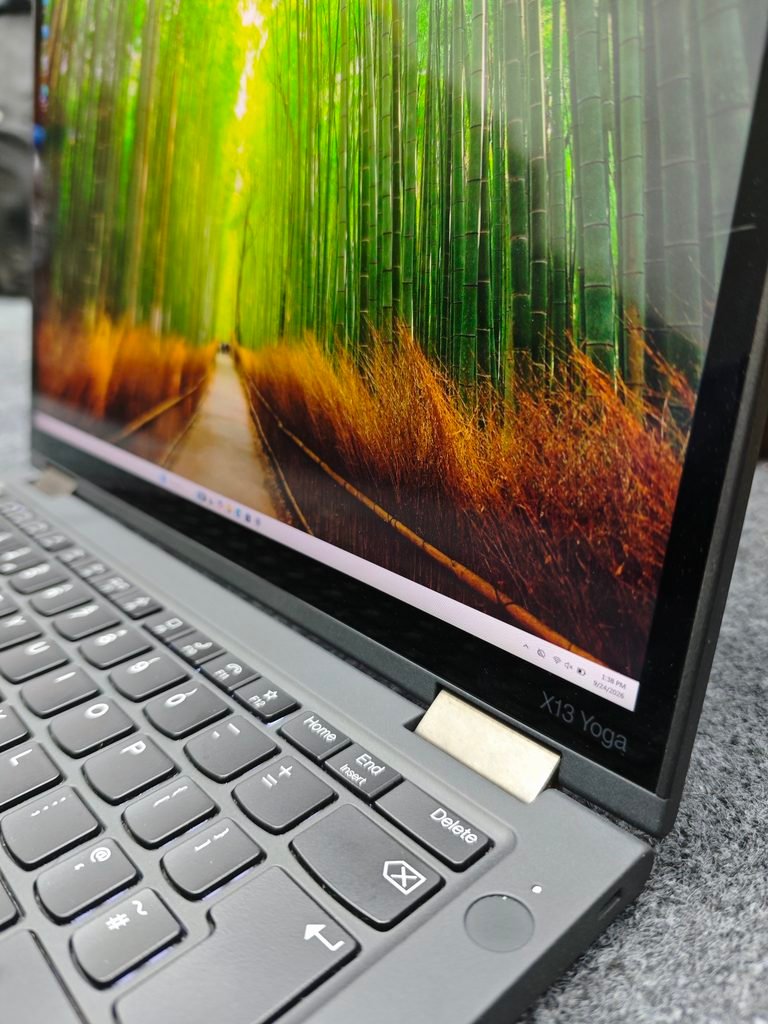
X13 LOGO and Power Button
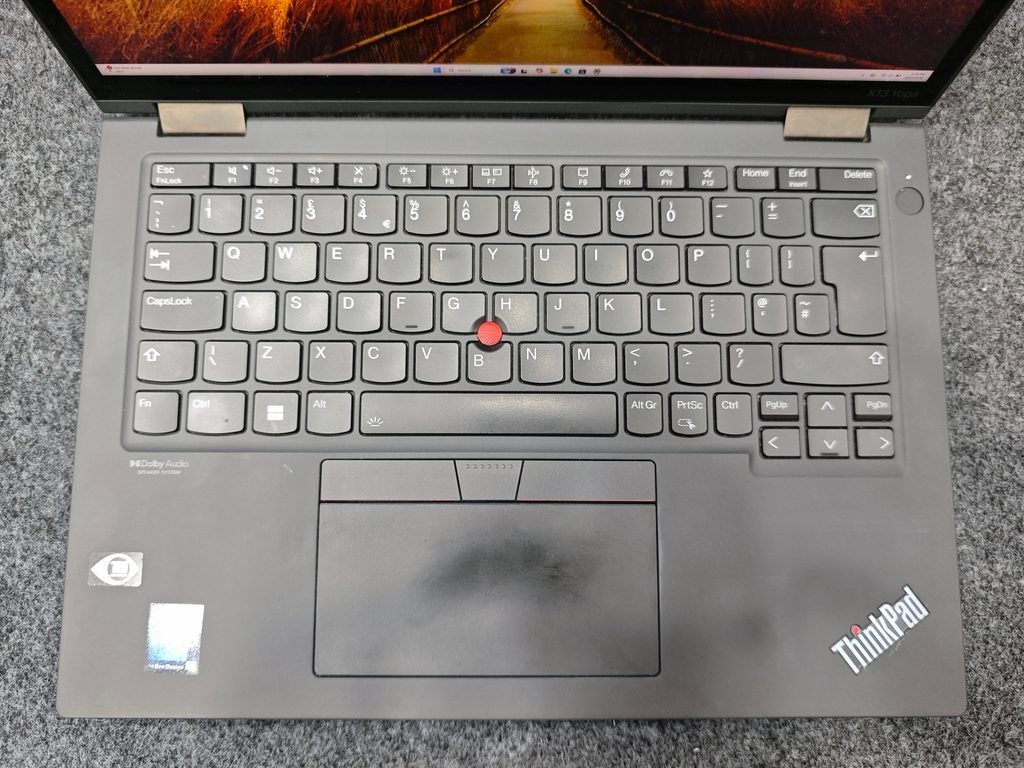
Laptop Keyboard and TouchPad
Right Side Port Photo
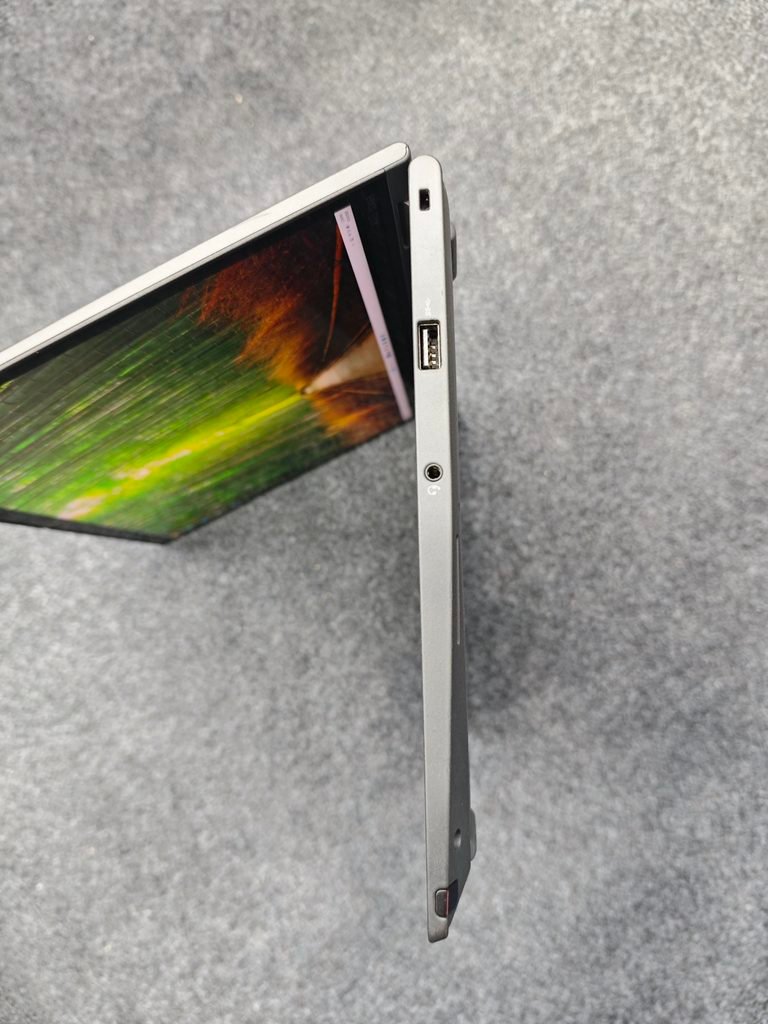
Left Side Port Photo
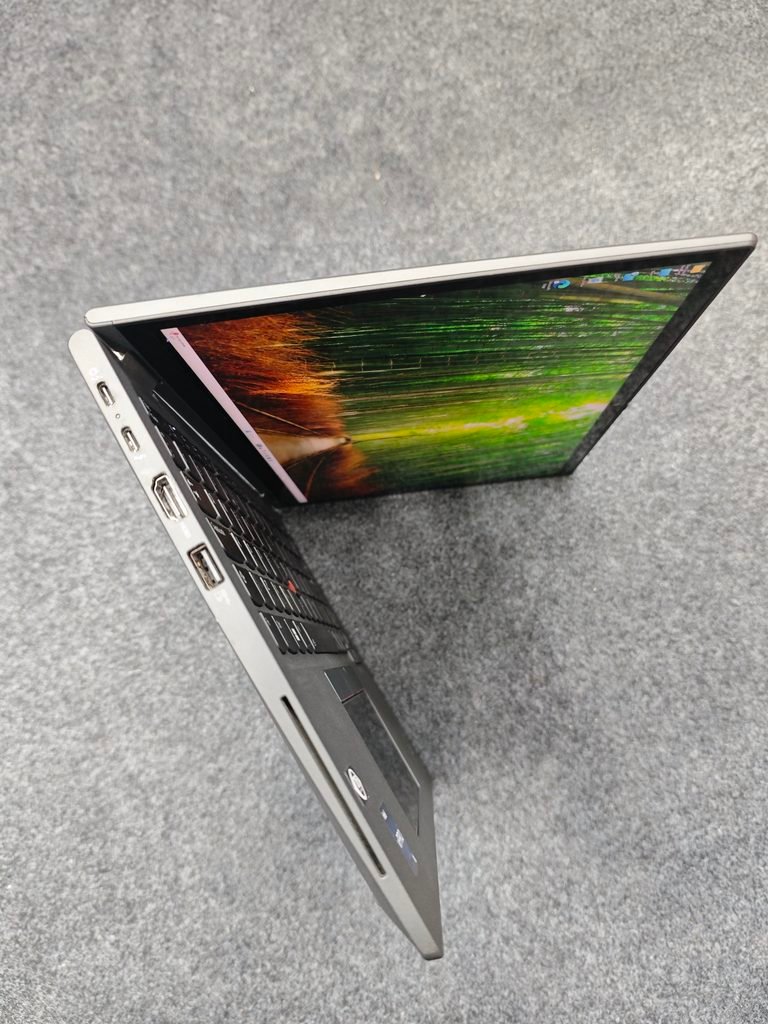
2-in-1 Touch Screen Laptop
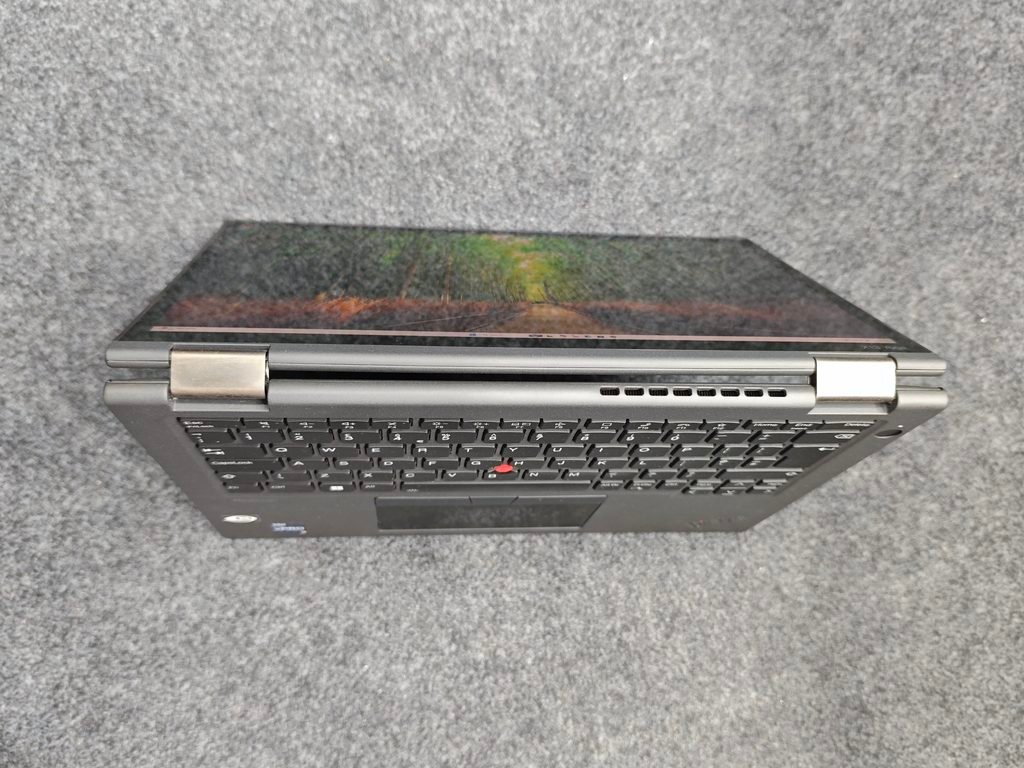
Tablet Mode
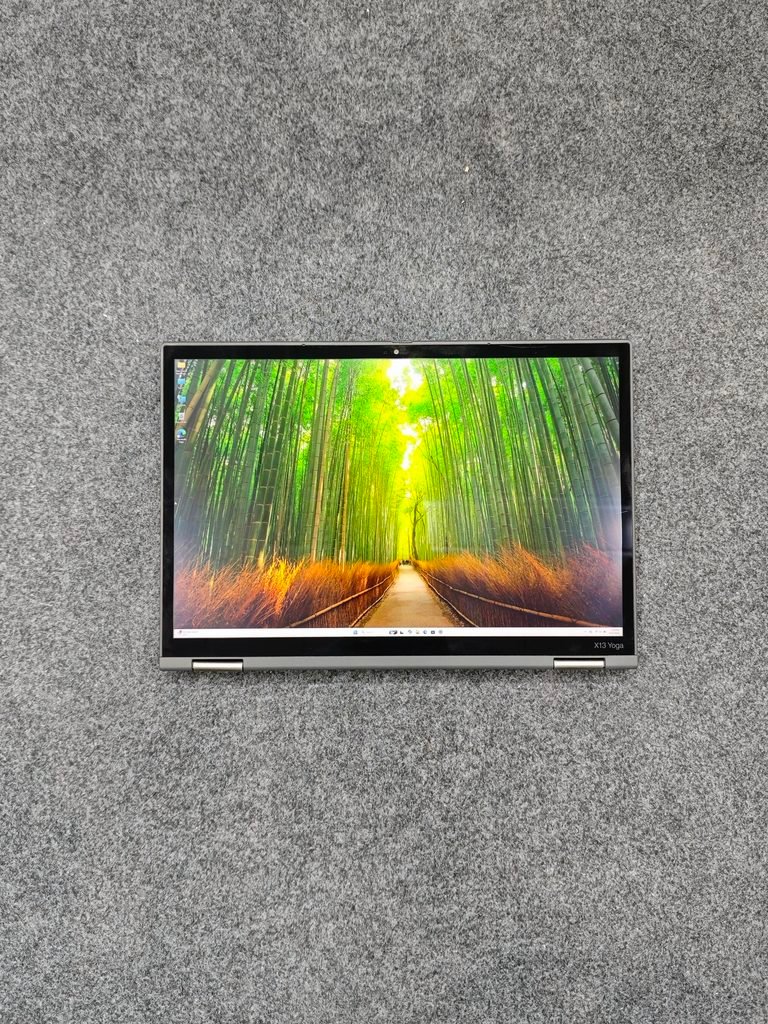
Model Design View
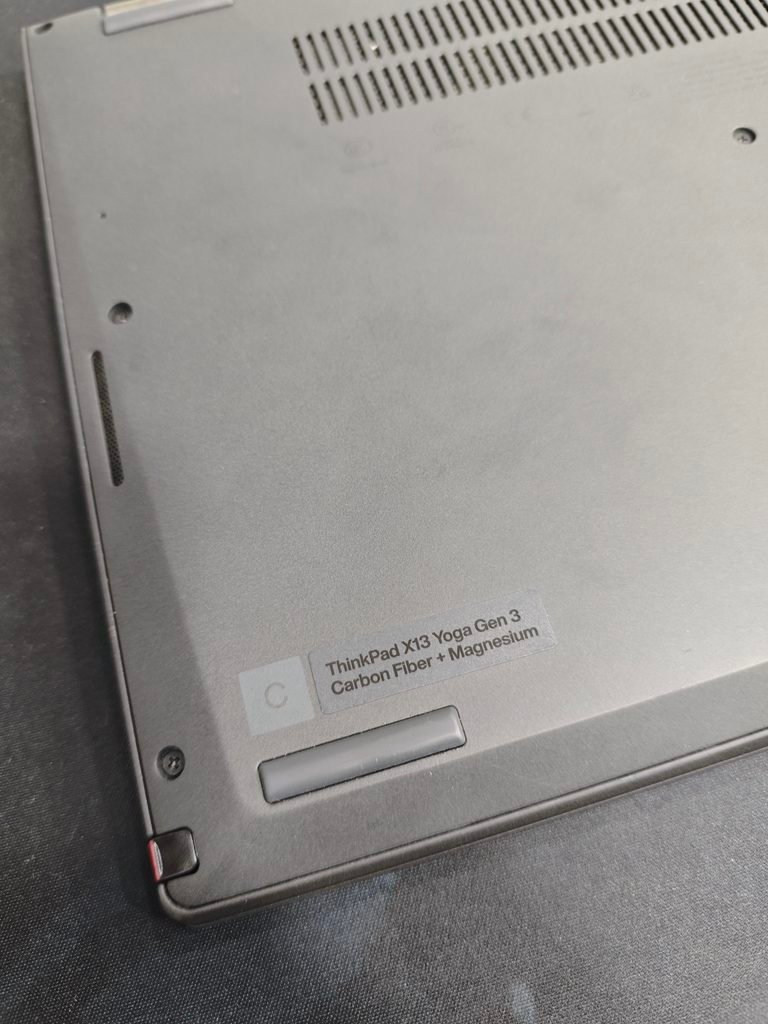
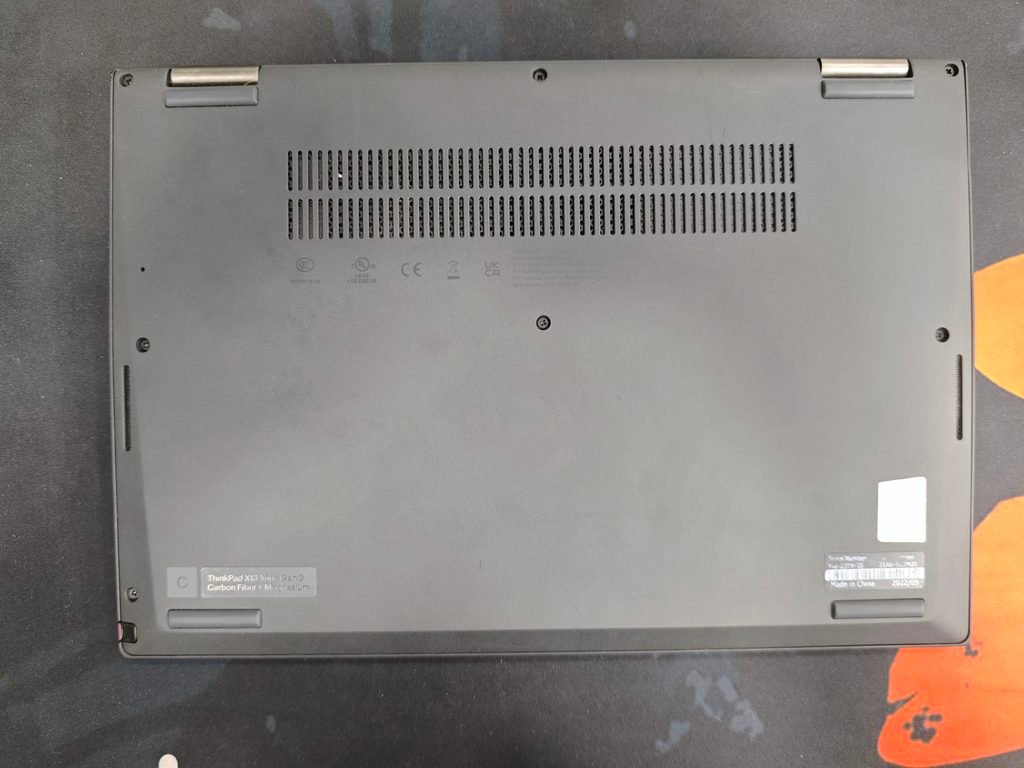
Back Side View
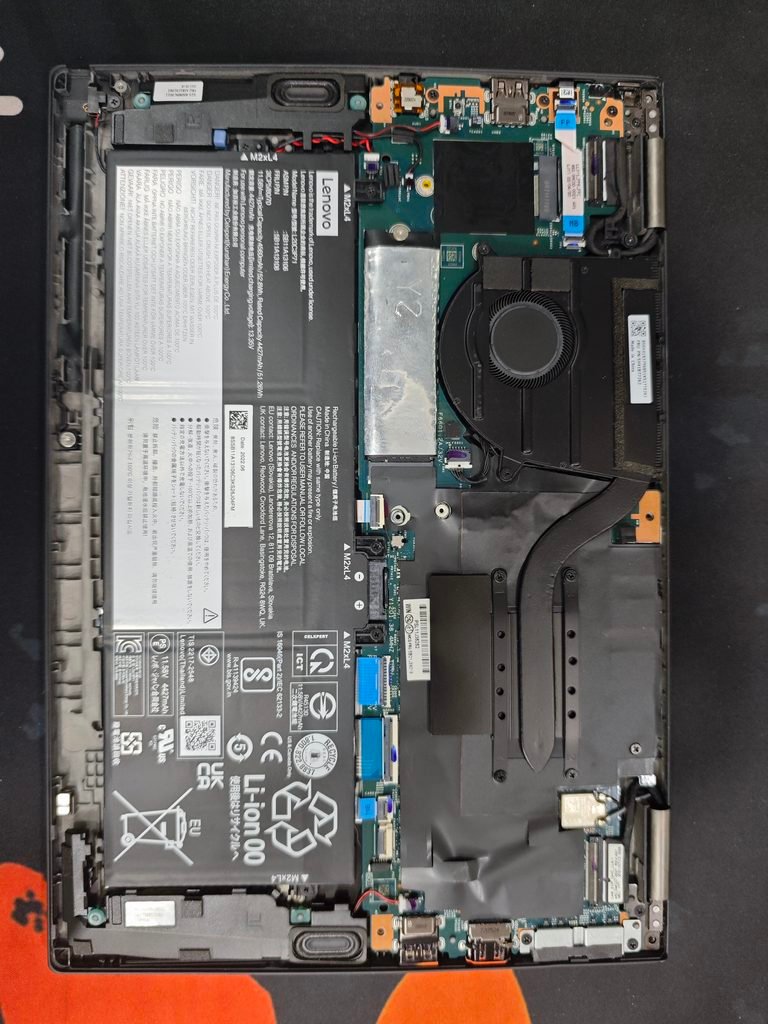
Laptop Backside Internal View
Laptop Specification
- Brand : Lenovo
- Series : ThinkPad X13 Yoga Gen 3
- Processor : 12th Gen Intel(R) Core(TM) i5-1245U
- RAM : 8GB Soldering Ram (Not Change) Speed – 4267 MT/s
- Storage : 256 GB
- Display Type : 2-in-1 Touch Display
- Hinge : 360-degree Convertible Hinge
- Laptop Type : Business Convertible Laptop
What kind of work can be done with this laptop?
- You can work with Microsoft Word.
- You can handle calculations and data entry in Excel.
- You can create PowerPoint presentations.
- You can manage emails.
- You can conduct online meetings.
- You can prepare business reports.
- You can handle office data management tasks.
- You can use browser-based business software.
- You can study and attend any online classes.
- You will be able to handle intermediate-level tasks in programming and software development.
- You will be able to work with WordPress, SEO, and freelancing.
- You will be able to handle graphic design and video editing on a moderate scale.
Lenovo ThinkPad X13 Yoga Gen 3 Laptop (Note)
You can effectively use this laptop for office work, business, administrative tasks, and daily productivity. This laptop is primarily a business 2-in-1 Touch Screen laptop, not a dedicated gaming laptop. You can play only very basic games on this laptop. Due to the lack of a dedicated graphics card, you won’t be able to play mid-range games. Information regarding the Lenovo ThinkPad X13 Yoga Gen 3 laptop has been provided; I hope you find it useful.
Pingback: Laptop Overheat How To Solve? - Tips and Tricks Laptop - BEST CHOICE AREA