HP EliteBook 745 G5 Specs and Specifications
The HP EliteBook 745 G5 is a business-class laptop from HP’s EliteBook series. This laptop is designed for office work, studies, web browsing, Microsoft Office, programming, and daily productivity tasks. This laptop is a subject of interest and preference for many people due to its compact design, business-oriented features, and AMD Ryzen PRO processor.
In this article, we will discuss the HP EliteBook 745 G5 in detail, covering its specifications, performance, and the types of tasks it is suitable for.
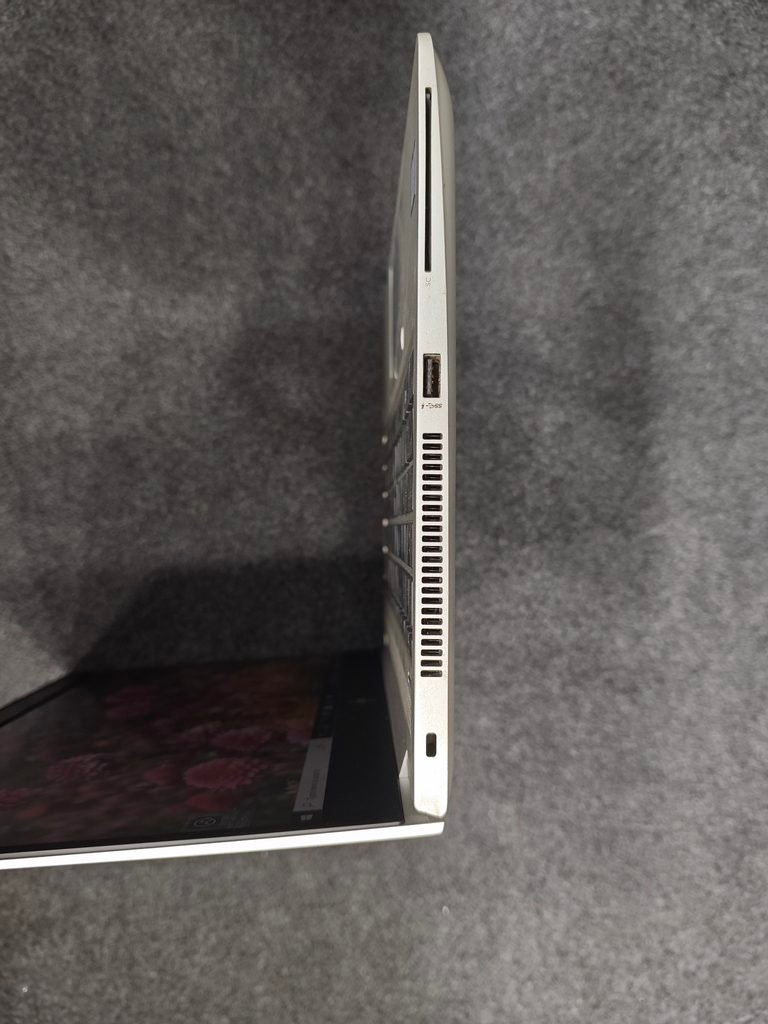
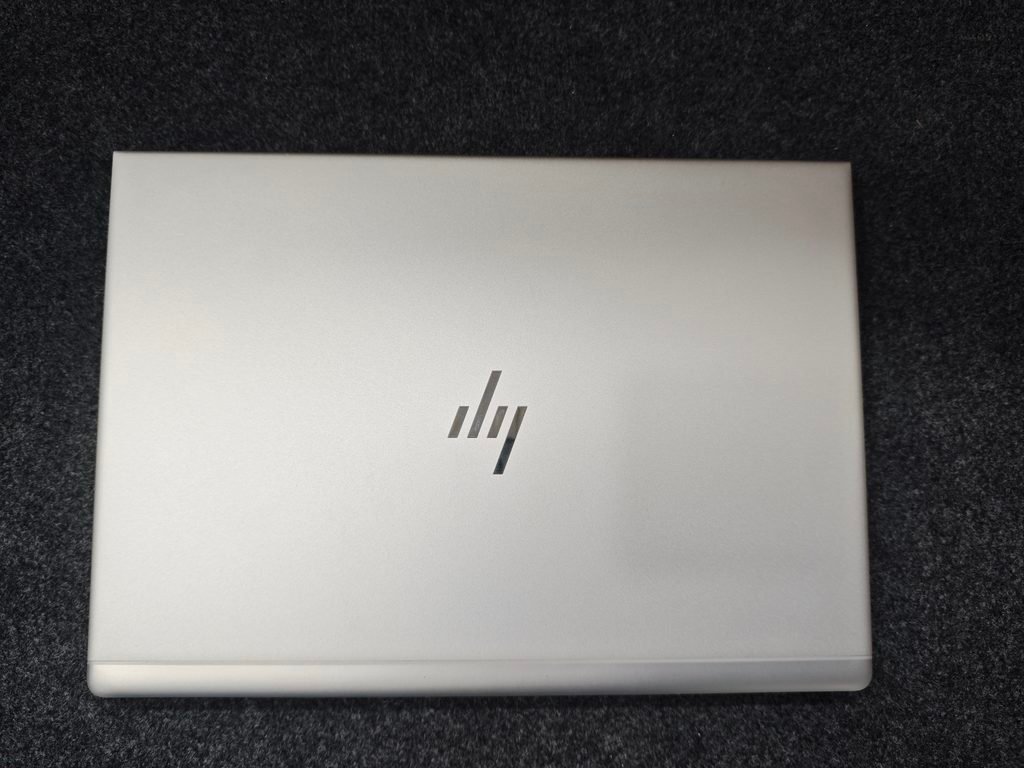
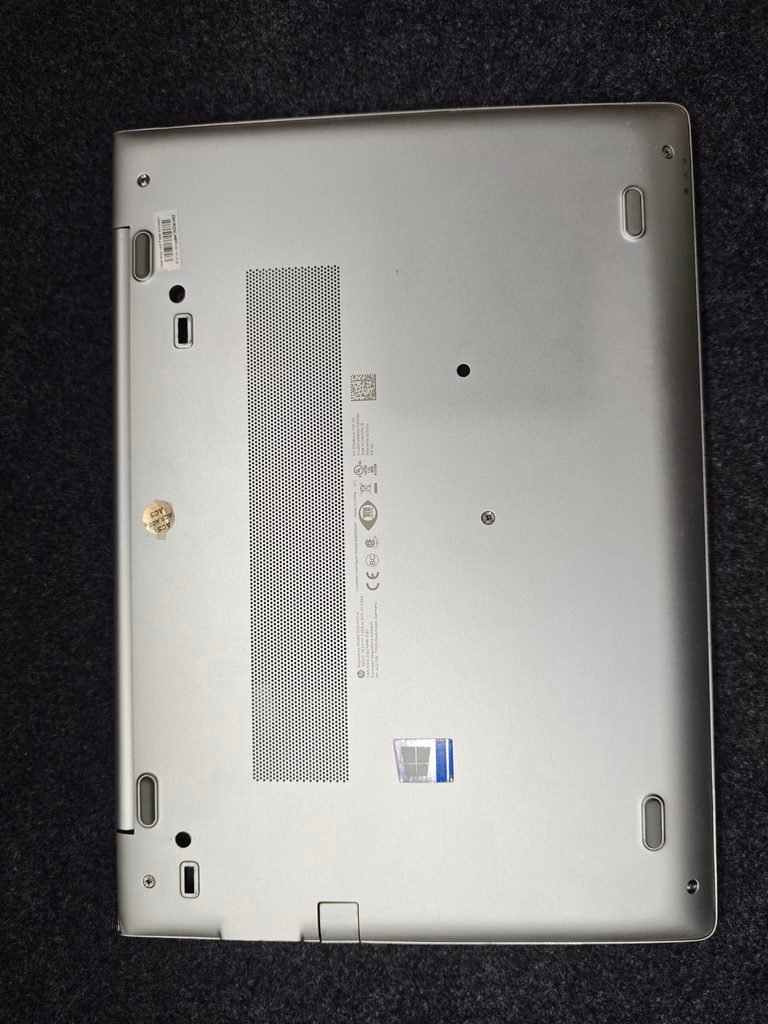
HP EliteBook 745 G5 Full Details Photos
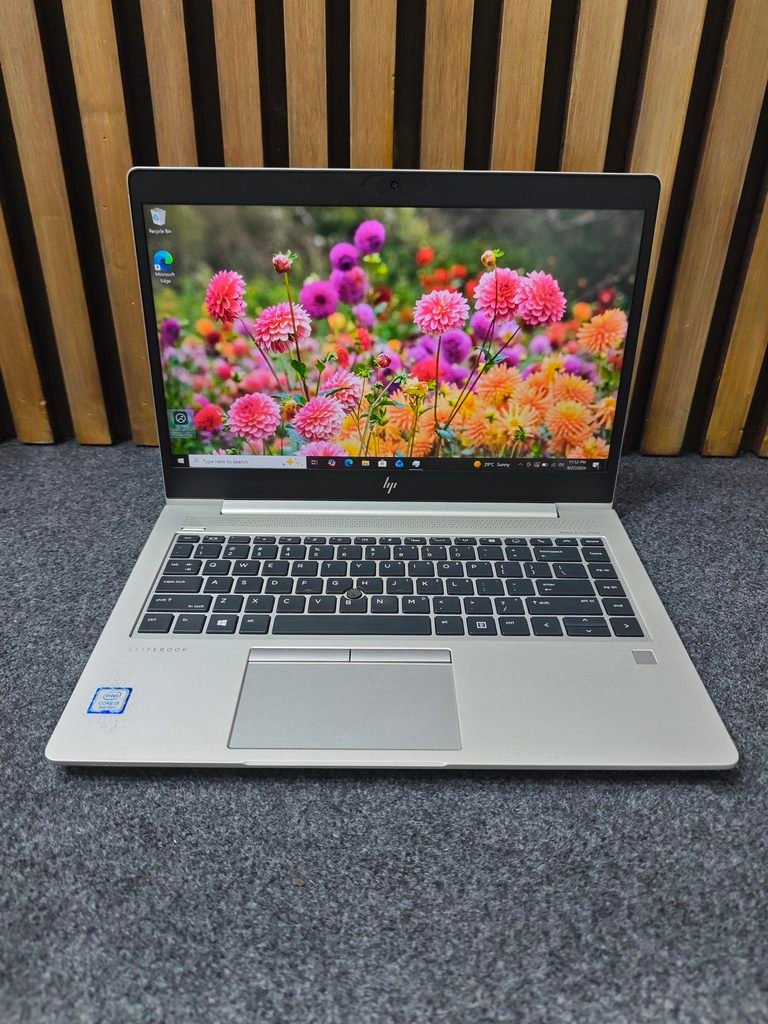
Laptop Audio Side Design
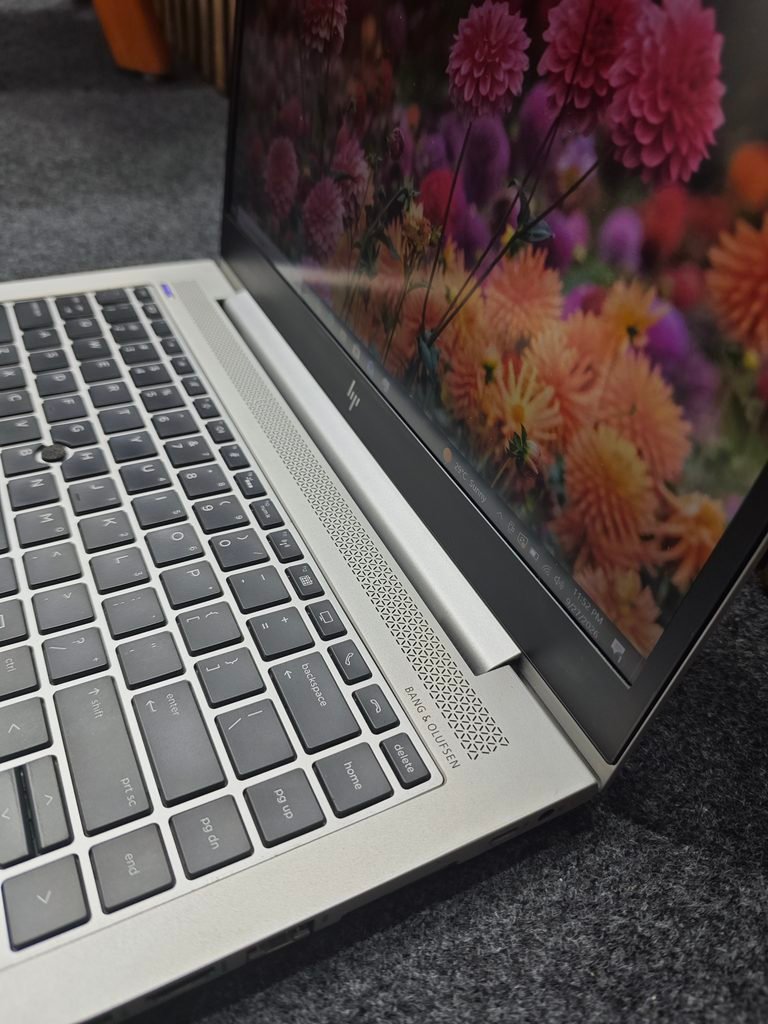
Laptop Keyboard Look
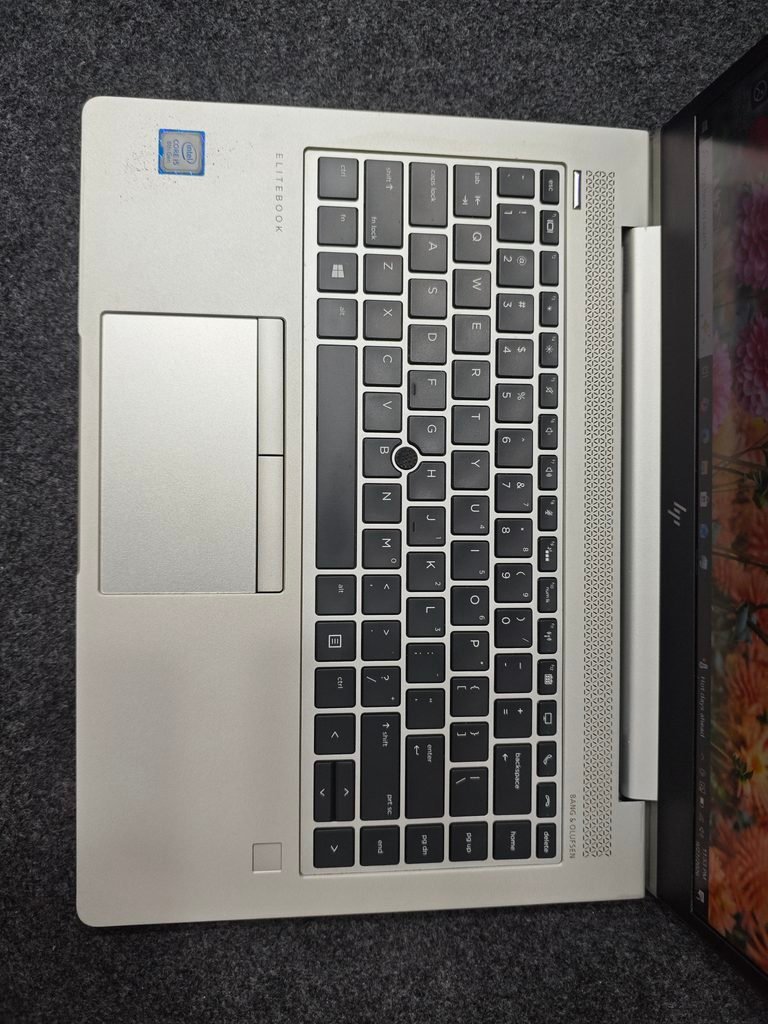
Laptop Left Side Ports
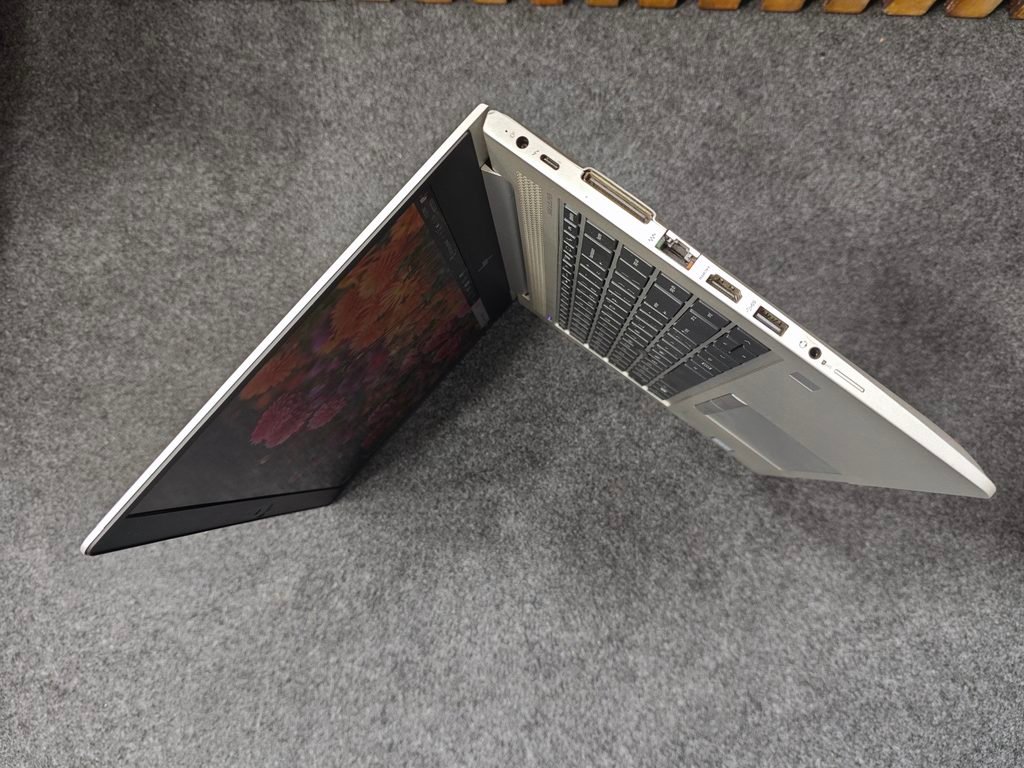
Laptop Right Side Ports
Laptop Front View
Laptop Backside View
Specs and Specifications
- Model : HP EliteBook 745 G5
- Series : HP EliteBook
- Processor : AMD Ryzen 5 PRO 2500U w/ Radeon Vega Mobile Gfx 2.00 GHz
- Graphics : AMD Radeon (TM) Vega 8 Graphics
- Dedicated GPU : 1GB
- Display : 14 inch
- RAM : 8GB
- Storage : 256GB
- Category : Business Laptop
Tasks you can perform effectively with this laptop
- You can work very effectively with Microsoft Office—Word, Excel, and PowerPoint.
- You can perform general browsing and multitasking very smoothly on Chrome or Edge.
- You will be able to watch YouTube and Full HD videos very smoothly.
- You can conduct online classes very effectively using Zoom or Google Meet.
- You will be able to handle programming tasks—such as HTML, CSS, JavaScript, Python, and PHP—at a basic to intermediate level.
- You can perform web development tasks, such as working with VS Code and browser-based development.
- You can perform basic to moderate photo editing tasks using Photoshop.
- You can handle simple to medium-level design tasks using Canva.
- You can handle small or standard 1080p projects for light video editing.
- You can work with PDFs, documents, and business software.
HP EliteBook 745 G5 – NOTE
You can play some older or less demanding PC games on low to medium settings. This laptop, however, is not a gaming laptop. This laptop is best suited for office work, browsing, studying, programming, business tasks, YouTube, Canva, basic Photoshop, light video editing, and light gaming.
You should avoid tasks such as heavy gaming, 4K video editing, professional 3D rendering, GPU-intensive AI/ML, and heavy professional workloads on this laptop.
Pingback: How to Take Screenshot on HP Laptop Tips and Tricks 3 Solution - BEST CHOICE AREA